Backing and Backing-Bar Symbols
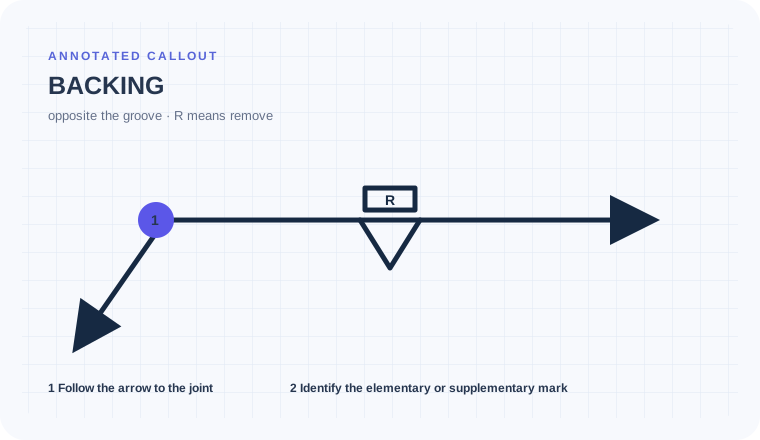
A backing symbol indicates backing material used at the root of a groove weld. When removal is required, an R can be placed in the backing symbol under common AWS-style convention.
- Recognize backing information associated with a groove weld
- Distinguish backing from back weld and plug/slot symbols by context
- Determine whether backing remains or is removed
Plug-weld confusion
Backing affects root support, access, metallurgy, cleanup, inspection, and final configuration. Missing a removal requirement can leave an unacceptable permanent condition.
A groove weld shows backing and the letter R
The root needs support during welding, but the finished joint must not retain the backing.
Read the backing requirement with the primary groove symbol and treat R as a removal instruction in this context. Find backing material and removal details in notes or the WPS.
Backing is used during welding and removed afterward rather than left permanently or mistaken for a second weld.
Plan the backing and its removal as separate controlled steps.
A groove joint uses backing during the first-side weld and marks it with R for removal before later work.
Keep backing material separate from a deposited backing weld.
Treat R as a removal requirement, not a material grade.
Confirm the permitted removal method and post-removal acceptance.
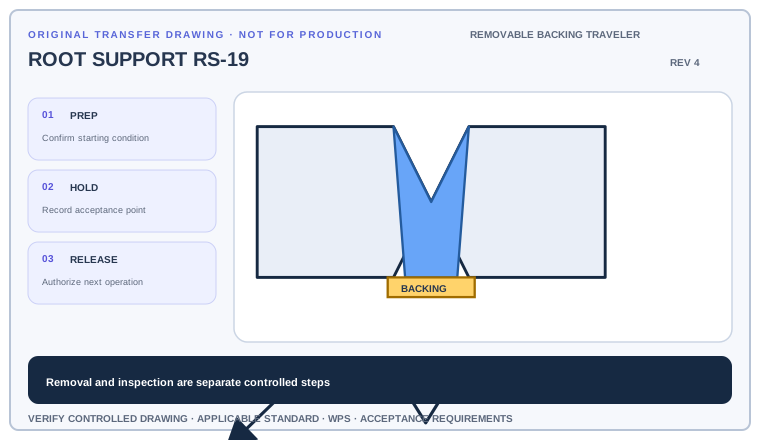
Build a traveler with backing installation, fit verification, welding, removal, cleaning, and inspection. Identify the exact hold point before the next operation.
Deliverable · A six-step traveler that does not leave removable backing in placeCompare with the field read +
Install the specified backing, complete the controlled weld operation, remove the backing where R requires it, clean the root area, and obtain the required acceptance before proceeding.
Put installation, welding, and removal in sequence
Read the backing symbol on the side opposite the groove symbol, look for an R, and then check the tail or joint detail for material, dimensions, and removal instructions.
- Identify the primary groove-weld symbol.
- Look across the reference line for the backing symbol.
- Check whether an R requires removal after welding.
- Read the tail, detail, and WPS for backing material and dimensions.
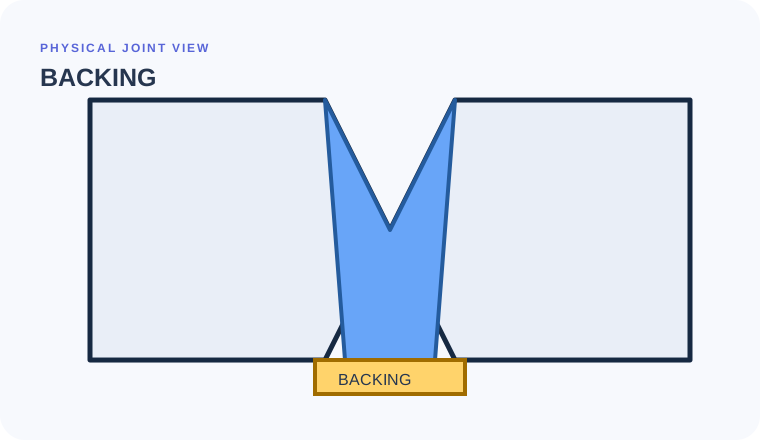
Read backing and R as material plus disposition
Begin with the cue in the first column. The final column records the drawing, detail, procedure, or acceptance question that this callout cannot answer by itself.
| Visual cue | What it establishes | What still needs verification |
|---|---|---|
| Backing symbol opposite the groove symbol | Backing is associated with the groove-weld root | Use placement and joint context to avoid plug/slot confusion. |
| R designator | Backing removal after welding in this context | Find the required method and final root condition. |
| Tail/note reference | May identify backing material or procedure | Do not choose material from the elementary symbol. |
Backing material is not a back or backing weld
Backing
Material supports molten weld metal at the root
Evidence to useIs it present during primary welding?Back weld
A weld deposited on the back side
Evidence to useDo not call deposited weld metal a backing bar.Melt-through
Specifies visible root reinforcement
Evidence to useIt is a final root result, not a support material.Root-support instructions that disappear between departments
Plug-weld confusion
A similar rectangular mark has a different meaning when positioned opposite a groove symbol as backing.
Missing the R
Ignoring the removal designator can leave backing in place when the drawing requires removal.
Inventing backing material
The symbol does not by itself define material, thickness, or fit-up; read the detail and procedure.
Has the removable backing reached its documented hold point?
Use the full list before fabrication, fit-up, or inspection. This is a drawing-reading handoff—not a substitute for the governing acceptance standard.
- 01Identify the primary groove weld
- 02Confirm backing requirement
- 03Read remain/remove instruction
- 04Find backing material/detail
- 05Check final root inspection requirement
Evidence and limits for this Backing lesson
This guide teaches common AWS-style drawing interpretation. It is educational material, not a substitute for the purchased standard, project specification, code, WPS, or qualified engineering direction.
How this page was made. The training diagrams, worked example, comparisons, and questions are original educational material. Read the editorial and technical review policy for the full process.
Save your place after Backing.
This marker records reading progress only; it does not mean the topic is mastered. Use the six-question practice page to check your understanding.
Build outward from Backing
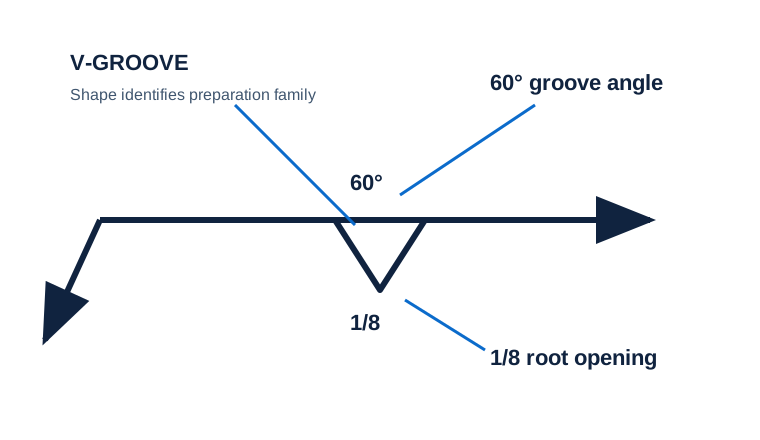 Groove Welds Overview
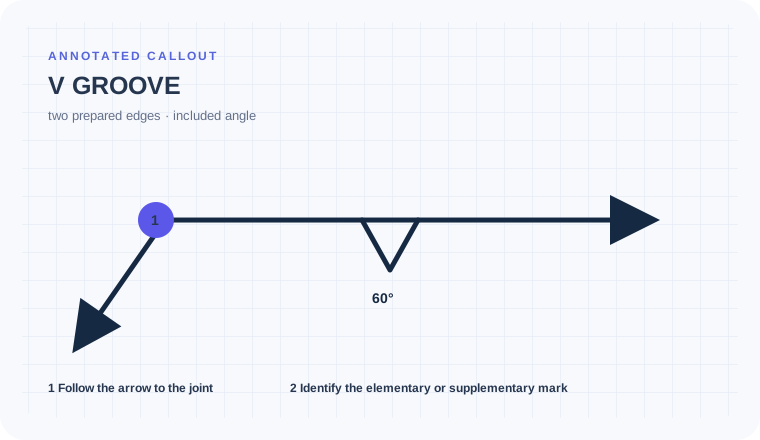 V Groove
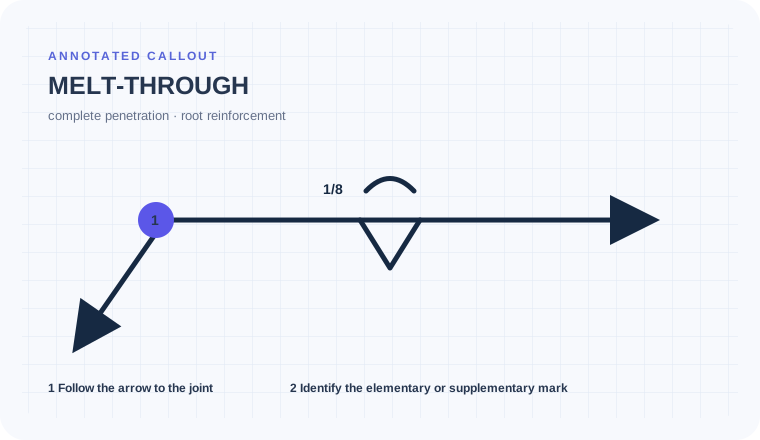 Melt Through
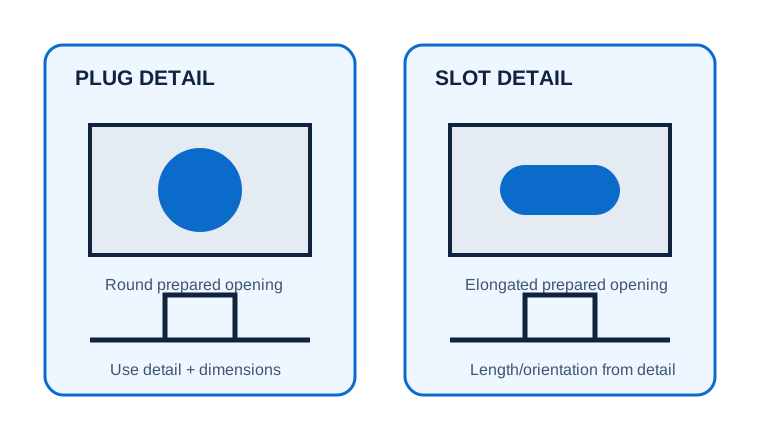 Plug & Slot Welds
Educational practice only. Verify production work against the governing drawing, applicable standard, WPS, and qualified instruction.